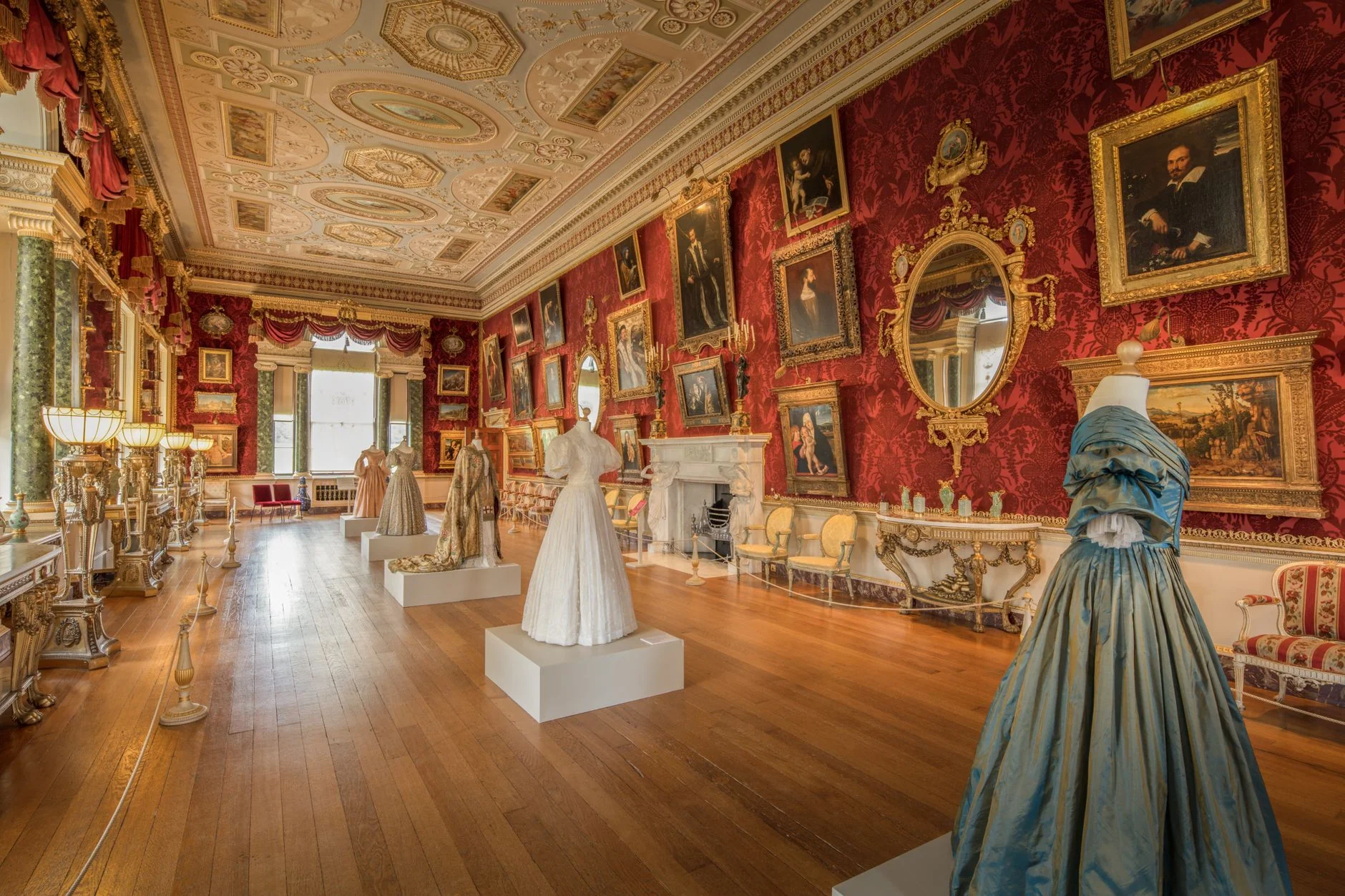
Digital Art: A Beginners Workshop for iPad and Procreate in a Gallery Setting
Ask AI: is it for me?
Similar events
View allNot quite it? Try these
See allAbout This Event
Digital Art: A Beginners Workshop for iPad and Procreate in a Gallery Setting is held at Studio 4. It is designed for those with an iPad and Apple Pencil starting their digital artistic journey. Tickets cost between £34 and £45.
This event will be bookable on Monday 3 August 2026. If you have an iPad and Apple Pencil and are wondering how to start your digital artistic journey, then this workshop is for you! Procreate is an app that is similar to Adobe Photoshop and Illustrator but much more user friendly and MUCH cheaper at just £10! Tutor Rosie is a self-taught artist and illustrator and since she started using procreate it has completely revolutionised her art and business. This one-day workshop will consist of 3 stages and at each stage you’ll learn the technical aspects of Procreate whilst taking creative inspiration from the wonderful gallery space at Attenborough Arts and/or your own influences. This means that you won’t need any fully formed ideas, we’ll take the galleries lead for our artistic imagination giving us the head space to drill into the techy stuff! PLEASE NOTE: For this course you will need your own iPad, digital pencil and have the Procreate app downloaded onto your iPad. We are unable to loan this equipment to participants. For the first stage we’ll learn the absolute basics of drawing with a digital pencil in Procreate. We’ll learn how the different ‘brushes’ work. How to save, select, change and move images. We’ll learn how layers work, how to use different colours and ‘colour drop’ and the general inner workings of the app. If any of this sounds like jargon, then you’re in the right place! And we promise it’s easier than it sounds! Then we’ll use more of our imagination and creative skills by getting to grips with the effects section of Procreate. We’ll be taking more inspiration from the gallery space by learning how to insert images, what can be done with them and how they can be manipulated. We’ll learn how to add other things too like text, and how you can start to build up your drawn images. The final stage will be all about how to make your work ready to sell. If you’re doing this course just for the joy of it, that’s great! But learning these extra special skills will still be mega useful! Like repeat patterns, logos, alpha lock, text and saving for print. We’ll explore the effects more and consider how we might merge other art into this new digital landscape. For example, enhancing our own photography or physical drawings. We’ll also explore any specific interests you have personally and how we might continue on this new digital venture! About the tutor: Tutor Rosie Johnson is a self-taught artist and illustrator. She specialises in modern calligraphy, hand printing, decorative homeware, digital illustration and graphic design with a sprinkle of glitter! Rosie has been teaching for a number of years now and runs her own business making all things quirky and alternative. She believes everyone has creative talent and loves proving herself right in every class she teaches. Further information: Recommended for ages 14+. Under 18s must be accompanied by a paying adult at all times. The workshop will start at 10am and end at 4pm. There’ll be a short break for lunch. Our café will be open or you’re welcome to bring your own refreshments. If the course/workshop you’d like to book is sold out, we do operate a waiting list – simply contact our box office team on 0116 252 2455 / arts-centre@le.ac.uk and ask to be added to the waiting list. We’ll then contact you if a place becomes available, with absolutely no obligation to accept it if you’ve made other plans! Please ensure that you read and agree to our updated Terms & Conditions before booking as courses/workshops are non-refundable if cancelled within 21 days of the start date for any reason. We aim to make all our sessions as accessible as possible and carers/PAs are very welcome – just remember to book their free place when you book your session. If you’d like to talk to us in advance of booking or attending your sessions to discuss your access needs, our Box Office team is here to help! Email arts-centre@le.ac.uk, pop in or call 0116 252 2455, open 7 days a week. We have four blue badge parking spaces outside Attenborough Arts Centre, plus double yellow line roadside parking very close to the building for blue badge holders for up to three hours if our parking spaces are occupied. Free parking for all customers is available after 5pm on weekdays and all day at weekends in the University of Leicester car park next door to Attenborough Arts Centre on Lancaster Road. The closest public car park for parking at all other times is Victoria Park, 5-10 minutes walk from us (near De Montfort Hall).
Description supplied by the event organiser.
Similar Events in Leicester
View all →
Tue, 8 Dec 2026
Finding Balance
Charnwood Museum
Sun, 29 Nov 2026
Tiny Play
Leicester Gallery
Free – £10
Sun, 29 Nov 2026
Open Play
Leicester Gallery
Free – £10

Sun, 29 Nov 2026
Replay
Leicester Gallery
Free – £10

Thu, 3 Dec 2026
Hidden Gems of Leicester Cathedral
Leicester Cathedral
£7
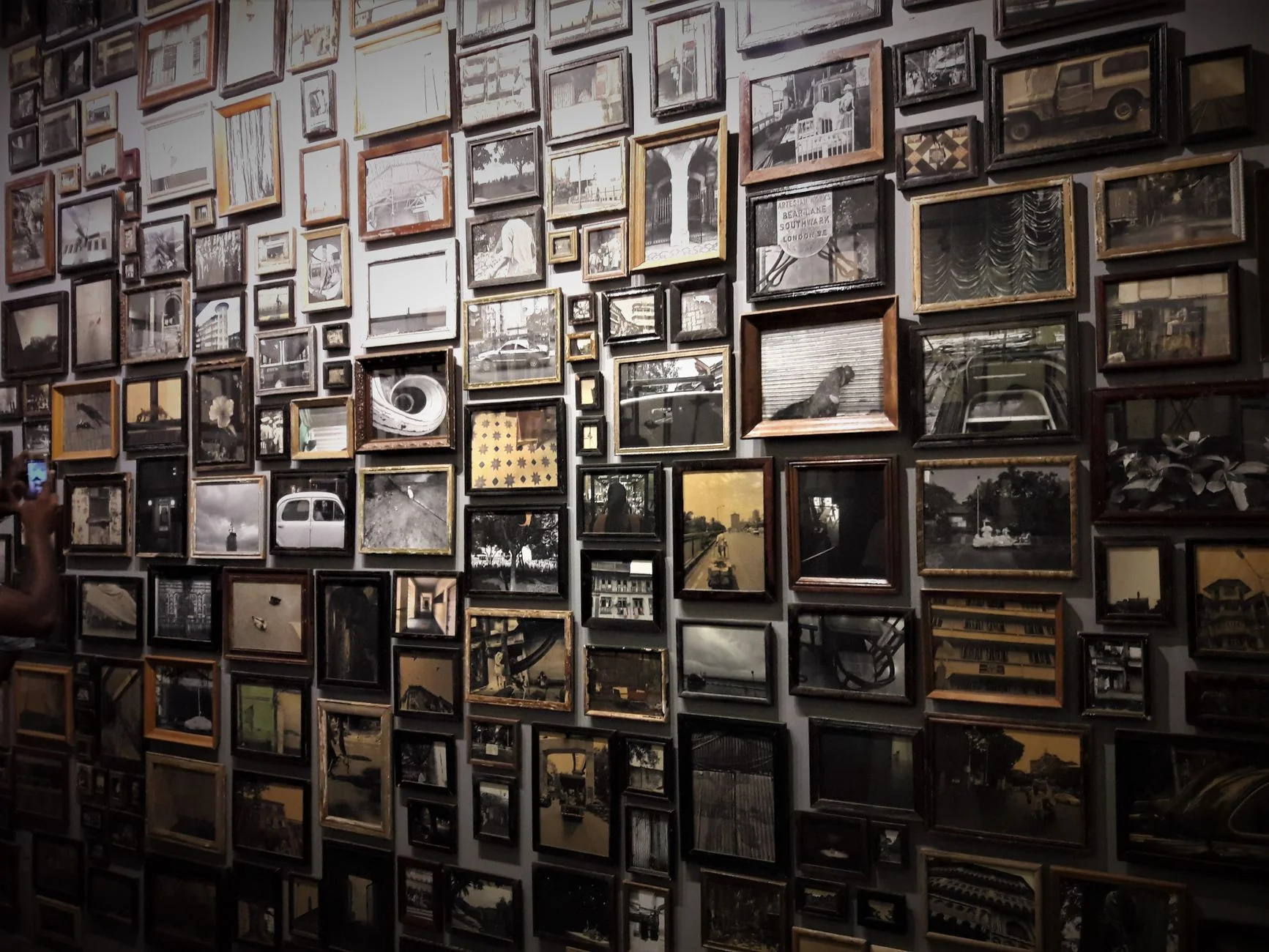
Tue, 15 Dec 2026
Market Harborough Photographic Society exhibition
Market Harborough Library And Harborough Museum
More at Studio 4
View all →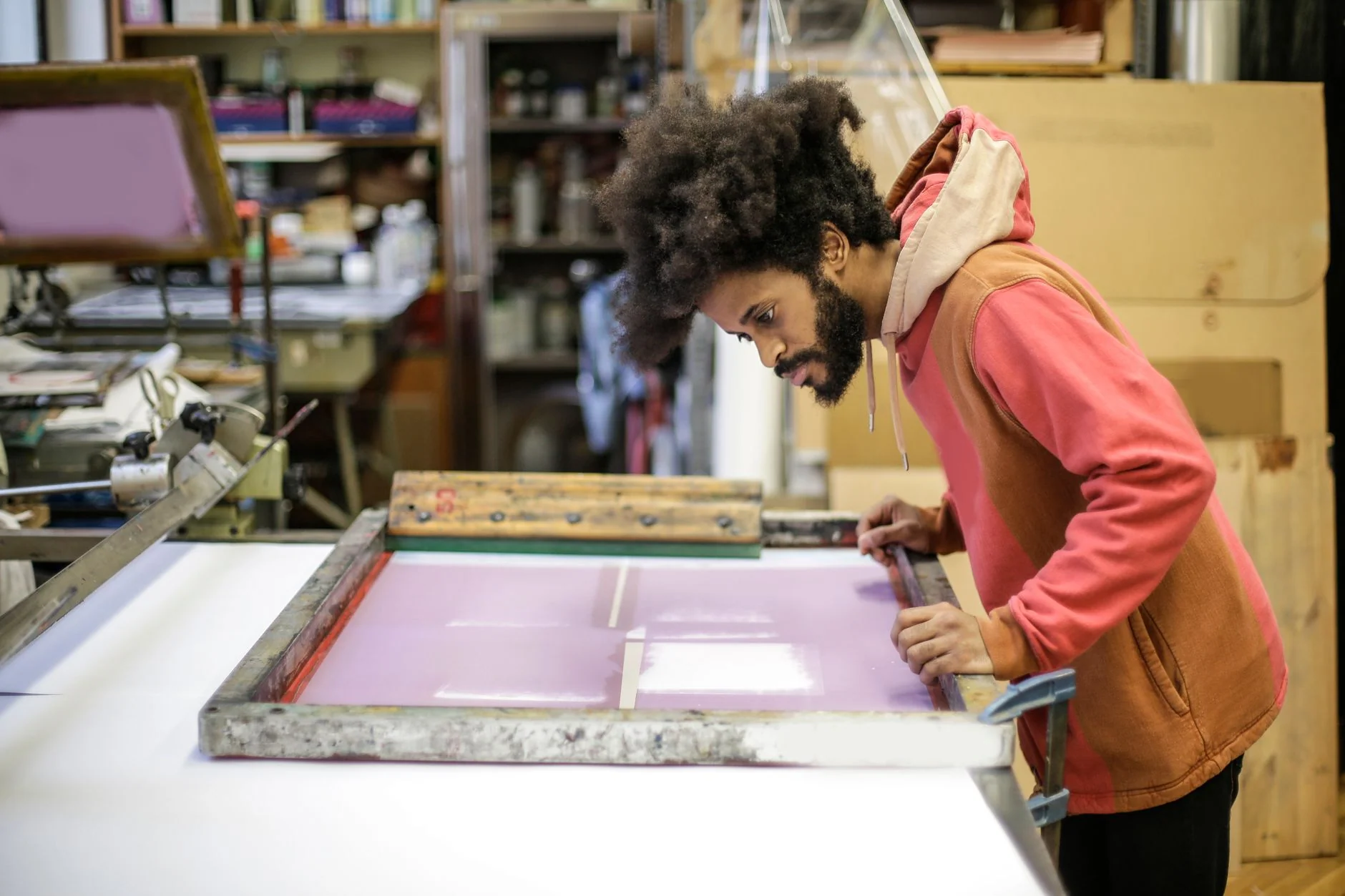
Fri, 4 Dec 2026
Festive Card and Gift Wrap Lino Printing
Studio 4
£30

Fri, 4 Dec 2026
Christmas Wreath Making
Studio 4
£38
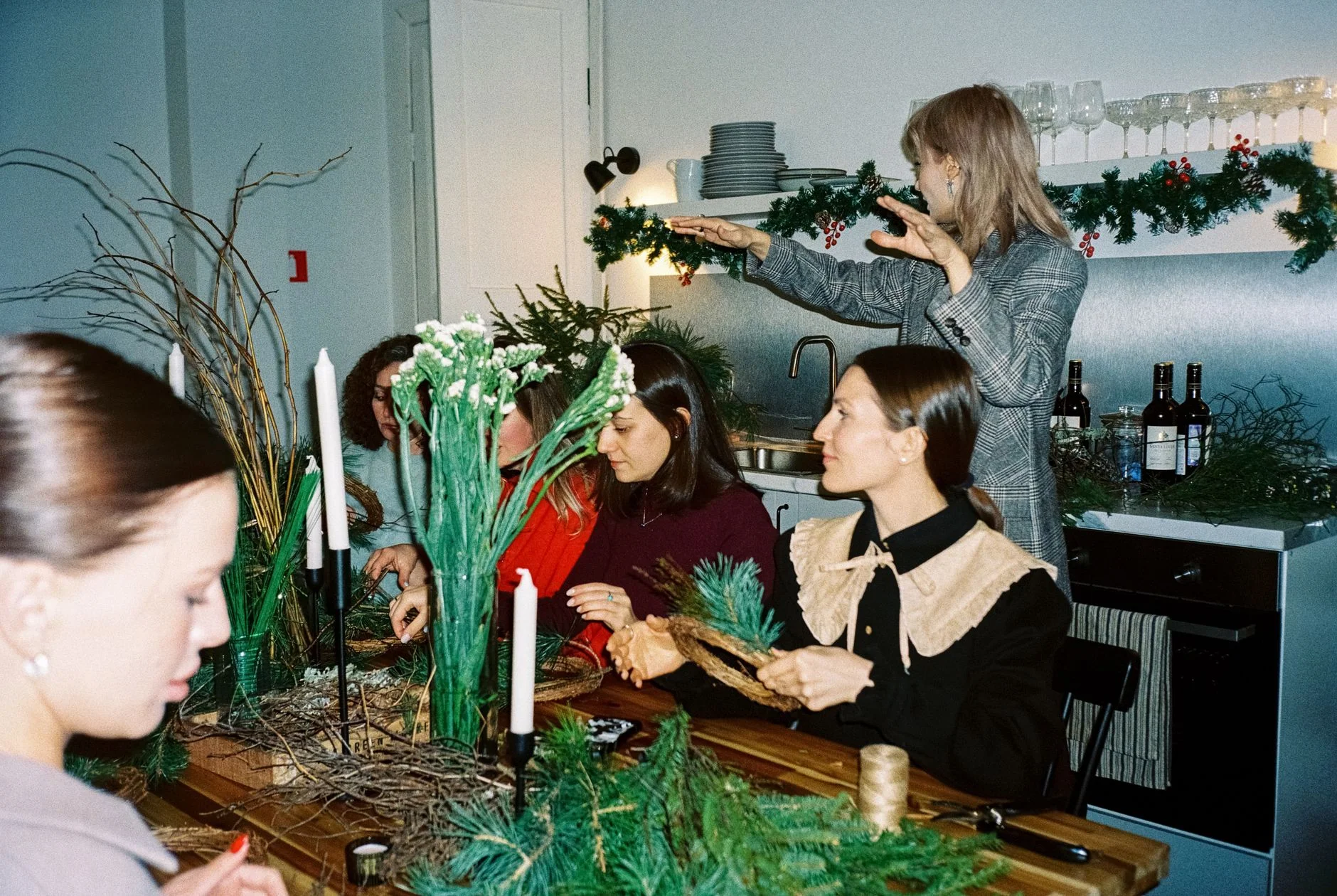
Tue, 8 Dec 2026
Felt Wreath Workshop
Studio 4
£19
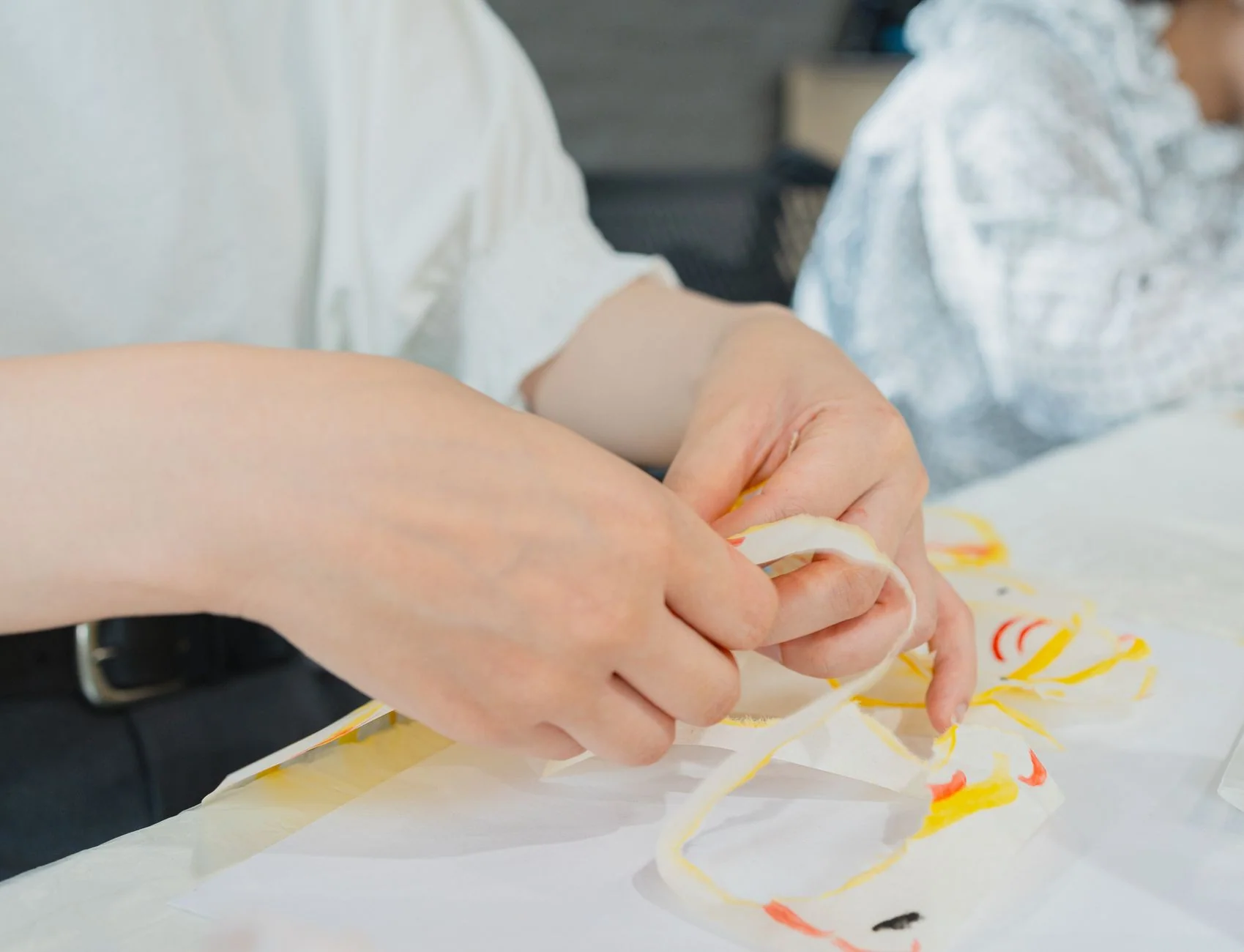
Fri, 11 Dec 2026
Modern Christmas Calligraphy
Studio 4
£41

Tue, 5 Jan 2027
Adventures in Art
Studio 4
£7
Mon, 11 Jan 2027
Weekly Writers Group
Studio 4
£86
Frequently asked questions
Digital Art: A Beginners Workshop for iPad and Procreate in a Gallery Setting takes place on Saturday, 6 February 2027 at 10:30.
Digital Art: A Beginners Workshop for iPad and Procreate in a Gallery Setting is held at Studio 4 in Leicester (Attenborough Arts Centre, Lancaster Road).
Tickets for Digital Art: A Beginners Workshop for iPad and Procreate in a Gallery Setting are priced at £34. Live prices and availability are shown on attenborougharts.com.
Tickets for Digital Art: A Beginners Workshop for iPad and Procreate in a Gallery Setting can be booked via attenborougharts.com using the "Check Tickets & Live Prices" button on this page, which opens the official booking site in a new tab.
Digital Art: A Beginners Workshop for iPad and Procreate in a Gallery Setting
Editorial summaryAbout this event
Digital Art: A Beginners Workshop for iPad and Procreate in a Gallery Setting is held at Studio 4. It is designed for those with an iPad and Apple Pencil starting their digital artistic journey. Tickets cost between £34 and £45.
This summary was automatically generated from event data sourced from official ticketing providers.
This event will be bookable on Monday 3 August 2026. If you have an iPad and Apple Pencil and are wondering how to start your digital artistic journey, then this workshop is for you! Procreate is an app that is similar to Adobe Photoshop and Illustrator but much more user friendly and MUCH cheaper at just £10! Tutor Rosie is a self-taught artist and illustrator and since she started using procreate it has completely revolutionised her art and business. This one-day workshop will consist of 3 stages and at each stage you’ll learn the technical aspects of Procreate whilst taking creative inspiration from the wonderful gallery space at Attenborough Arts and/or your own influences. This means that you won’t need any fully formed ideas, we’ll take the galleries lead for our artistic imagination giving us the head space to drill into the techy stuff! PLEASE NOTE: For this course you will need your own iPad, digital pencil and have the Procreate app downloaded onto your iPad. We are unable to loan this equipment to participants. For the first stage we’ll learn the absolute basics of drawing with a digital pencil in Procreate. We’ll learn how the different ‘brushes’ work. How to save, select, change and move images. We’ll learn how layers work, how to use different colours and ‘colour drop’ and the general inner workings of the app. If any of this sounds like jargon, then you’re in the right place! And we promise it’s easier than it sounds! Then we’ll use more of our imagination and creative skills by getting to grips with the effects section of Procreate. We’ll be taking more inspiration from the gallery space by learning how to insert images, what can be done with them and how they can be manipulated. We’ll learn how to add other things too like text, and how you can start to build up your drawn images. The final stage will be all about how to make your work ready to sell. If you’re doing this course just for the joy of it, that’s great! But learning these extra special skills will still be mega useful! Like repeat patterns, logos, alpha lock, text and saving for print. We’ll explore the effects more and consider how we might merge other art into this new digital landscape. For example, enhancing our own photography or physical drawings. We’ll also explore any specific interests you have personally and how we might continue on this new digital venture! About the tutor: Tutor Rosie Johnson is a self-taught artist and illustrator. She specialises in modern calligraphy, hand printing, decorative homeware, digital illustration and graphic design with a sprinkle of glitter! Rosie has been teaching for a number of years now and runs her own business making all things quirky and alternative. She believes everyone has creative talent and loves proving herself right in every class she teaches. Further information: Recommended for ages 14+. Under 18s must be accompanied by a paying adult at all times. The workshop will start at 10am and end at 4pm. There’ll be a short break for lunch. Our café will be open or you’re welcome to bring your own refreshments. If the course/workshop you’d like to book is sold out, we do operate a waiting list – simply contact our box office team on 0116 252 2455 / arts-centre@le.ac.uk and ask to be added to the waiting list. We’ll then contact you if a place becomes available, with absolutely no obligation to accept it if you’ve made other plans! Please ensure that you read and agree to our updated Terms & Conditions before booking as courses/workshops are non-refundable if cancelled within 21 days of the start date for any reason. We aim to make all our sessions as accessible as possible and carers/PAs are very welcome – just remember to book their free place when you book your session. If you’d like to talk to us in advance of booking or attending your sessions to discuss your access needs, our Box Office team is here to help! Email arts-centre@le.ac.uk, pop in or call 0116 252 2455, open 7 days a week. We have four blue badge parking spaces outside Attenborough Arts Centre, plus double yellow line roadside parking very close to the building for blue badge holders for up to three hours if our parking spaces are occupied. Free parking for all customers is available after 5pm on weekdays and all day at weekends in the University of Leicester car park next door to Attenborough Arts Centre on Lancaster Road. The closest public car park for parking at all other times is Victoria Park, 5-10 minutes walk from us (near De Montfort Hall).
Description supplied by the event organiser.
WhereStudio 4
Attenborough Arts Centre, Lancaster Road
Before you goFrequently asked questions
When is Digital Art: A Beginners Workshop for iPad and Procreate in a Gallery Setting?
Digital Art: A Beginners Workshop for iPad and Procreate in a Gallery Setting takes place on Saturday, 6 February 2027 at 10:30.
Where is Digital Art: A Beginners Workshop for iPad and Procreate in a Gallery Setting taking place?
Digital Art: A Beginners Workshop for iPad and Procreate in a Gallery Setting is held at Studio 4 in Leicester (Attenborough Arts Centre, Lancaster Road).
How much are tickets for Digital Art: A Beginners Workshop for iPad and Procreate in a Gallery Setting?
Tickets for Digital Art: A Beginners Workshop for iPad and Procreate in a Gallery Setting are priced at £34. Live prices and availability are shown on attenborougharts.com.
How do I get tickets for Digital Art: A Beginners Workshop for iPad and Procreate in a Gallery Setting?
Tickets for Digital Art: A Beginners Workshop for iPad and Procreate in a Gallery Setting can be booked via attenborougharts.com using the "Check Tickets & Live Prices" button on this page, which opens the official booking site in a new tab.
Price
£34
Secure checkout on attenborougharts.com — opens in a new tab
Ask AI: is it for me?
EventsList lists 201,000+ events across the UK. Tickets are sold by the venue or its authorised sellers, never by us.
Same venueMore at Studio 4
All at this venueNot this one?Similar events in Leicester
View all

More things to do in Leicester
- Market Harborough Photographic Society exhibitionSaturday, 14 November 2026
- The Story Of Swing: Let It Swing – The Christmas CollectionFriday, 11 December 2026
- Royal Affair 2027Saturday, 5 June 2027
- Finding BalanceMonday, 8 February 2027
- IAS Friends and Fellows Coffee MorningTuesday, 2 February 2027
- Systemic and Family Constellations WorkshopSaturday, 23 January 2027
- Open Studios (Free)Thursday, 25 February 2027
- Experiments in SculptureMonday, 11 January 2027
- Tuesday Football in City CentreTuesday, 1 December 2026
- A Wild Christmas Exhibition With Hayley GoodheadSaturday, 28 November 2026
- Pattern PiecesWednesday, 18 November 2026
- Relaxed Saturday Gallery Art ClubSaturday, 14 November 2026
- Miss Montserrat Heritage UKSunday, 2 May 2027
- Interactive Art is the BestFriday, 13 November 2026